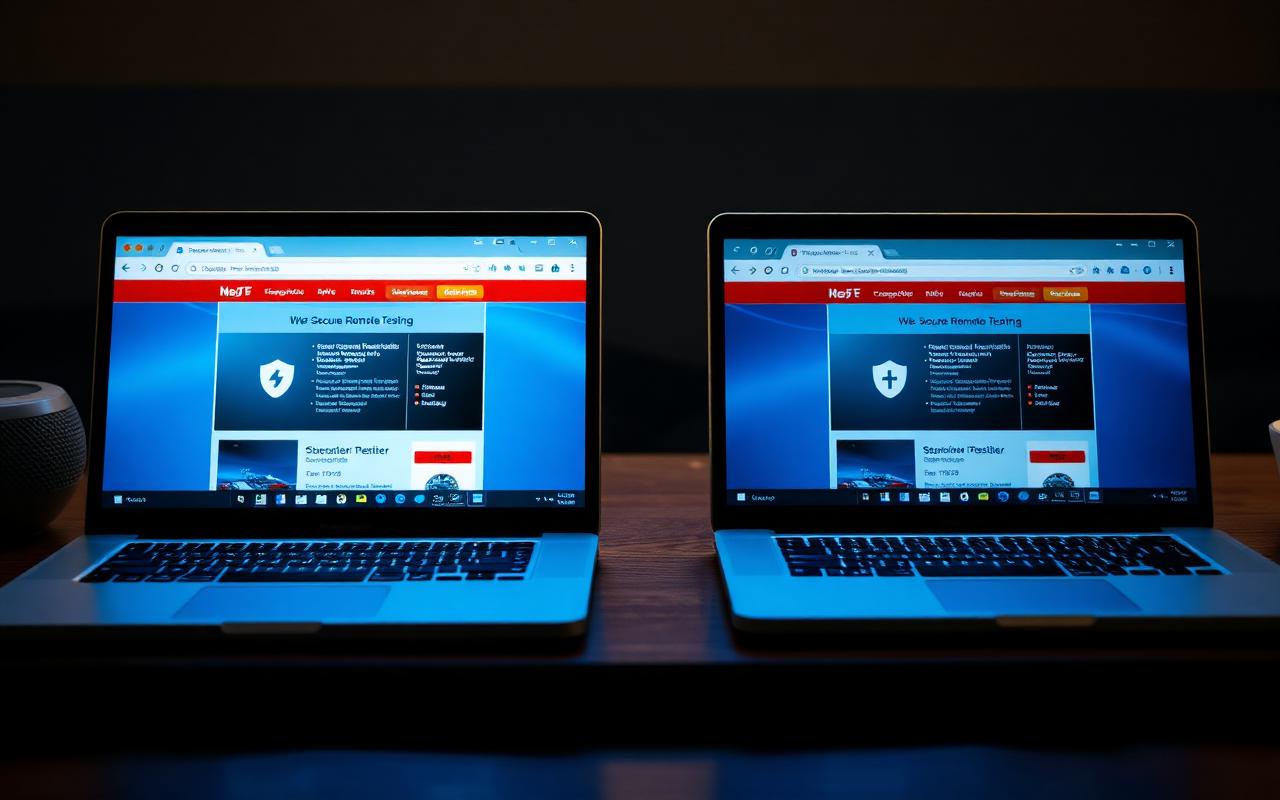
Guardian Browser (used by PeopleCert) and Pearson VUE OnVUE are both mature, widely used remote testing platforms — but they take different approaches to identity, monitoring, and candidate experience. Understanding the differences helps you prepare appropriately for whichever platform your certification uses.
What Each Platform Does
Both platforms deliver secure remote exams by locking down the test environment and connecting the candidate to a proctor. Guardian Browser is PeopleCert's proprietary browser installed on your machine, while OnVUE is Pearson VUE's launcher that connects to a live greeter and proctor.
Identity Verification
- Both require a valid government-issued photo ID
- Both take a candidate profile photo during check-in
- OnVUE relies heavily on human greeters; Guardian is more automated for check-in tasks
Monitoring & Security
Both platforms combine software controls (blocking screenshots, external apps, and virtual machines) with live or recorded proctoring. Guardian tends to feel lighter-touch during the exam itself; OnVUE typically involves more visible proctor interaction.
Candidate Experience
- Guardian: streamlined install, quiet monitoring, common in ITIL and PRINCE2 exams
- OnVUE: live greeter interaction, common across IT vendor certifications
How Preparation Differs
- Guardian requires reliable local install permissions and a stable OS
- OnVUE requires strong bandwidth for constant proctor video streaming
- Workspace, lighting, and ID rules are broadly similar across both
Watch and Learn
Curated video walkthroughs to reinforce what you've just read.
Master Your Proctored Exam Setup
Preparing your workspace for either Guardian or OnVUE exams.
Understanding Pearson VUE Technical Issues
Common technical issues that also apply to other proctored platforms.
Frequently Asked Questions
Is one platform harder to pass?+
No — the platform doesn't affect exam difficulty. It affects check-in style, not content.
Do I need different equipment?+
Both need webcam, microphone, and stable internet. OnVUE benefits more from higher upload bandwidth.
Can I use the same setup for both?+
Yes. A clean, well-lit workspace and stable internet work for either platform.
Related Resources
Continue Your Exam Preparation
Explore more study guides, practical preparation resources, and educational videos designed to help you feel confident before exam day.
You May Also Like

Pearson VUE Room Scan Guide (2026): What to Expect Before Your Online Exam

Real-World CompTIA CySA+ Scenarios Every Candidate Should Understand
How to Pass the CompTIA CySA+ Exam on Your First Attempt
The Complete Pearson VUE Exam Day Guide
Readers Also Viewed

PRINCE2 Practitioner Study Guide (2026)

Complete PeopleCert Exam Day Preparation Guide
Adaptive Project Management Explained: Agile, Scrum, and Kanban in Practice