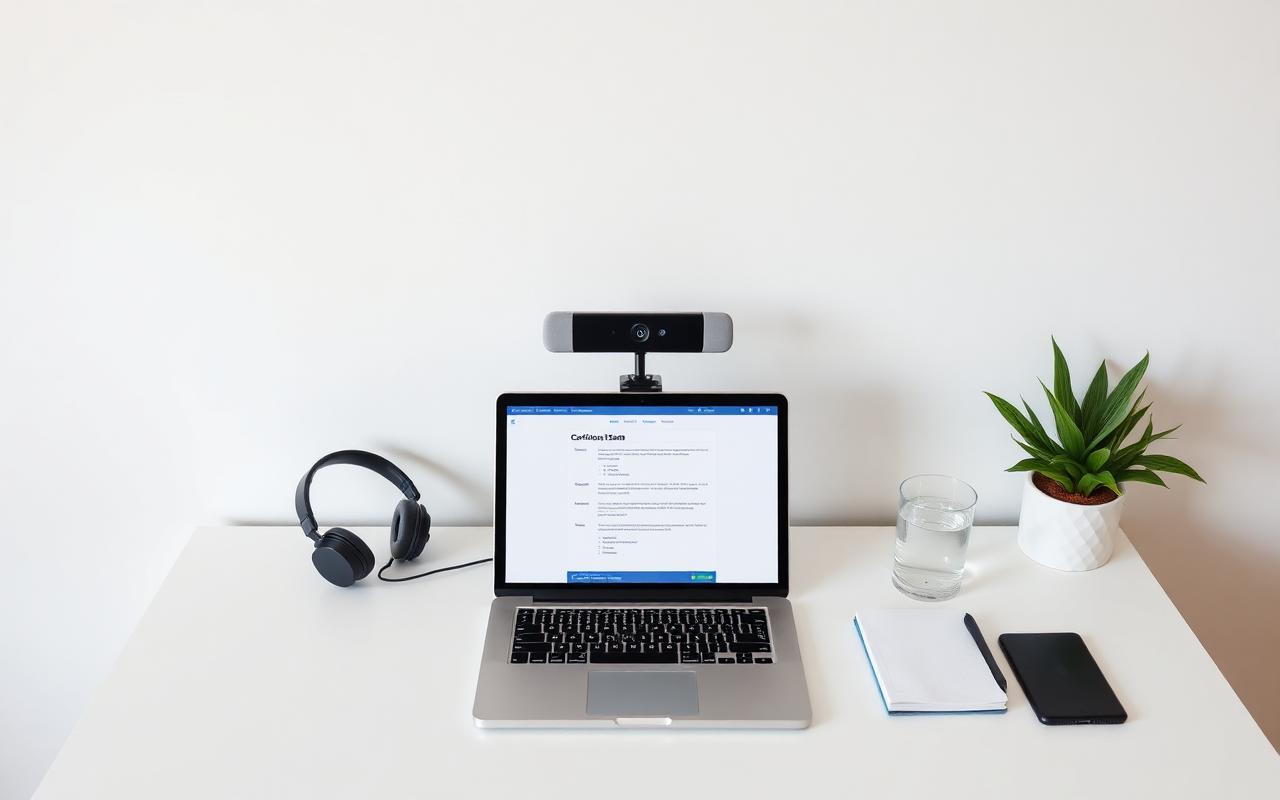
The right workspace does not require a professional home office — it requires deliberate choices about lighting, sound, and equipment. This guide walks through the decisions that consistently produce a smooth exam experience.
Choosing the Right Room
Prioritise privacy and quiet over aesthetics. A closed-door room, even a small one, beats a beautiful open-plan corner every time.
Desk & Chair
- Clear the desk completely — laptop, ID, water only
- A supportive chair reduces fatigue during long exams
- Feet flat on the floor, wrists neutral at the keyboard
Lighting
Sound & Interruptions
- Silence phones and notifications on all devices
- Tell household members your exam start and expected end time
- Consider a 'Do Not Disturb' sign on the door
Equipment Checklist
Watch and Learn
Curated video walkthroughs to reinforce what you've just read.
Master Your Proctored Exam Setup
Visual walkthrough of an ideal exam workspace.
Frequently Asked Questions
Can I take an exam in a shared apartment?+
Yes, if you can secure a private room with a closed door for the exam duration.
Do I need dual monitors?+
No — most proctored platforms require a single monitor only.
Are headphones allowed?+
It depends on the sponsor. Check your specific exam handbook.
Related Resources
Continue Your Exam Preparation
Explore more study guides, practical preparation resources, and educational videos designed to help you feel confident before exam day.
You May Also Like
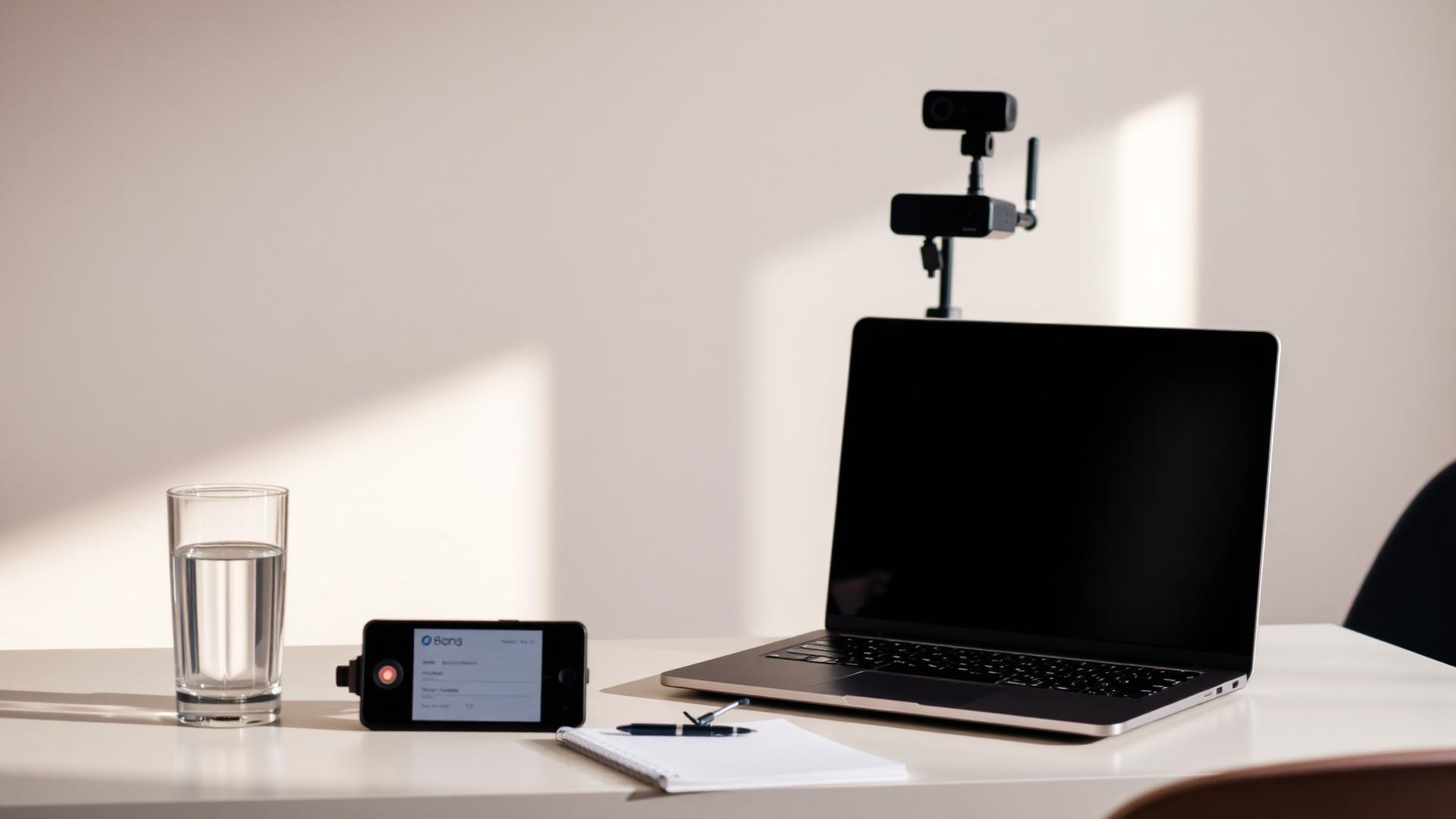
Pearson VUE Room Scan Guide (2026): What to Expect Before Your Online Exam
Real-World CompTIA CySA+ Scenarios Every Candidate Should Understand
How to Pass the CompTIA CySA+ Exam on Your First Attempt
The Complete Pearson VUE Exam Day Guide
Readers Also Viewed
PRINCE2 Practitioner Study Guide (2026)

Complete PeopleCert Exam Day Preparation Guide
Adaptive Project Management Explained: Agile, Scrum, and Kanban in Practice